
Plotting Logged QSOs, Active DX stations, and Spotting Stations on on the DX Atlas World Map
If you have DX Atlas installed, you can configure DXView to display information on the DX Atlas World Map by clicking the Enable button in the DX Atlas panel in the bottom-left corner of the World Map tab of DXView's Configuration window. At the top of the DX Atlas window, you can select a Rectangular, Azimuthal, or Globe projection.
Plotting Logged QSOs
To plot Logged QSOs in DXKeeper's Log Page Display on the DX Atlas World Map
Filter DXKeeper's Log Page Display to contain the QSOs to be plotted; to plot all QSOs in your log, click the Filter panel's X button at the bottom of the Log QSOs tab of DXKeeper's Main window.
just above the Log Page Display on the Log QSOs tab of DXKeeper's Main window, click the Plot button
On the Plot Settings tab of DXView's Configuration window, the Selection panel will have changed from Spots to Log; check or uncheck the Unworked, Unconfirmed, Confirmed, and Verified boxes in this Panel to filter the plotted QSOs as desired.
QSOs in the DXKeeper's Log Page Display will be plotted as red dots on the DX Atlas World Map. Placing the mouse cursor on plotted red dot for a second or two will produce a small popup window describing the logged QSO's callsign, DXCC entity, band, mode, and grid square.
Rectangular projection
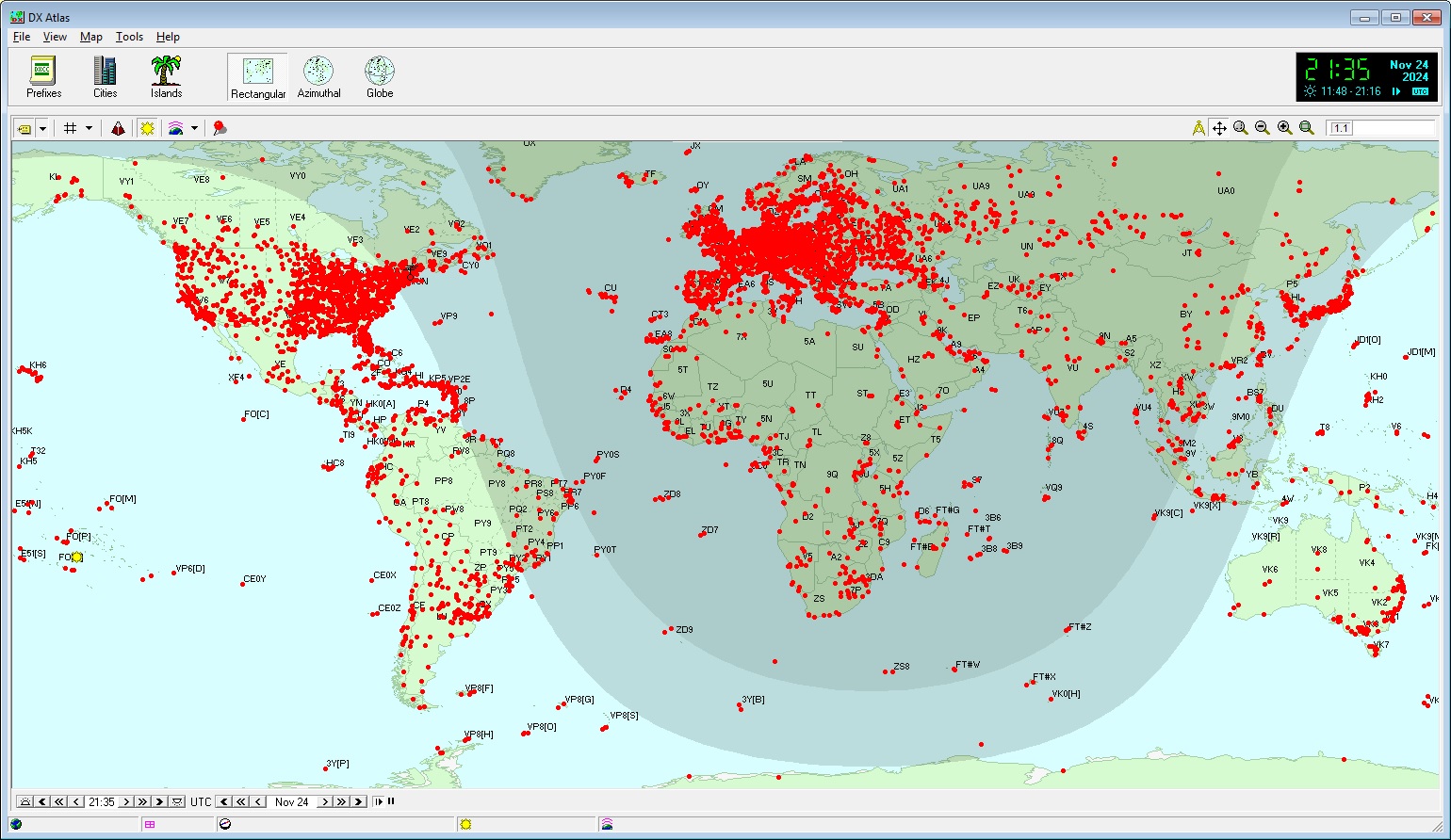
Plotting Active DX stations and Spotting Stations
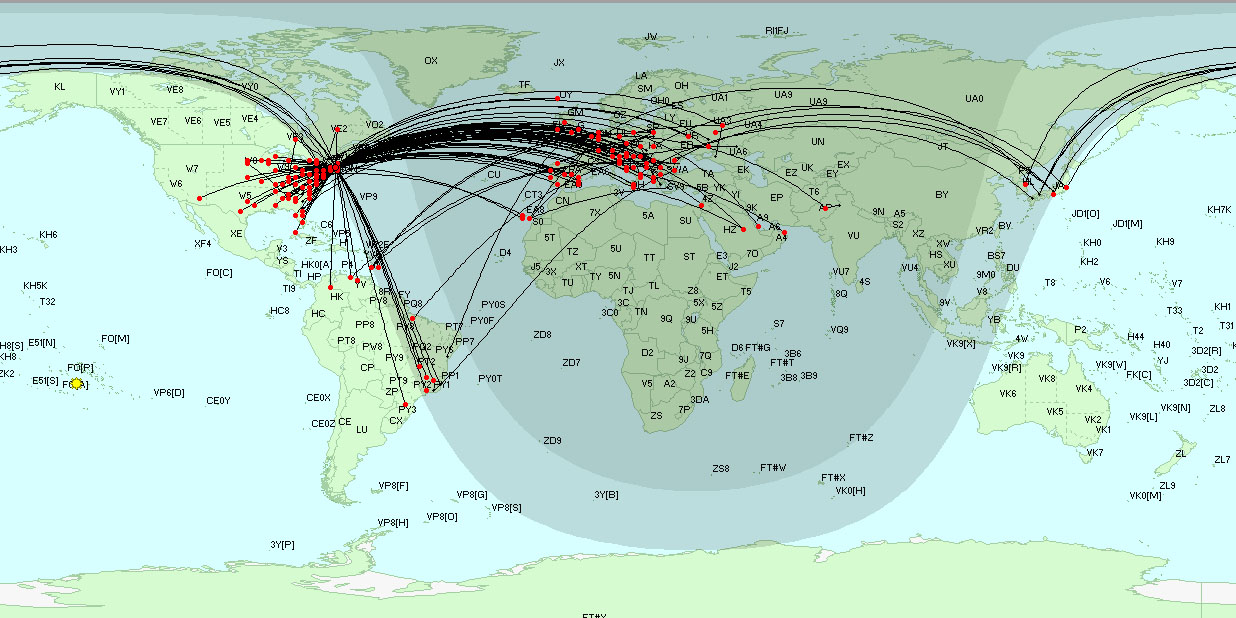
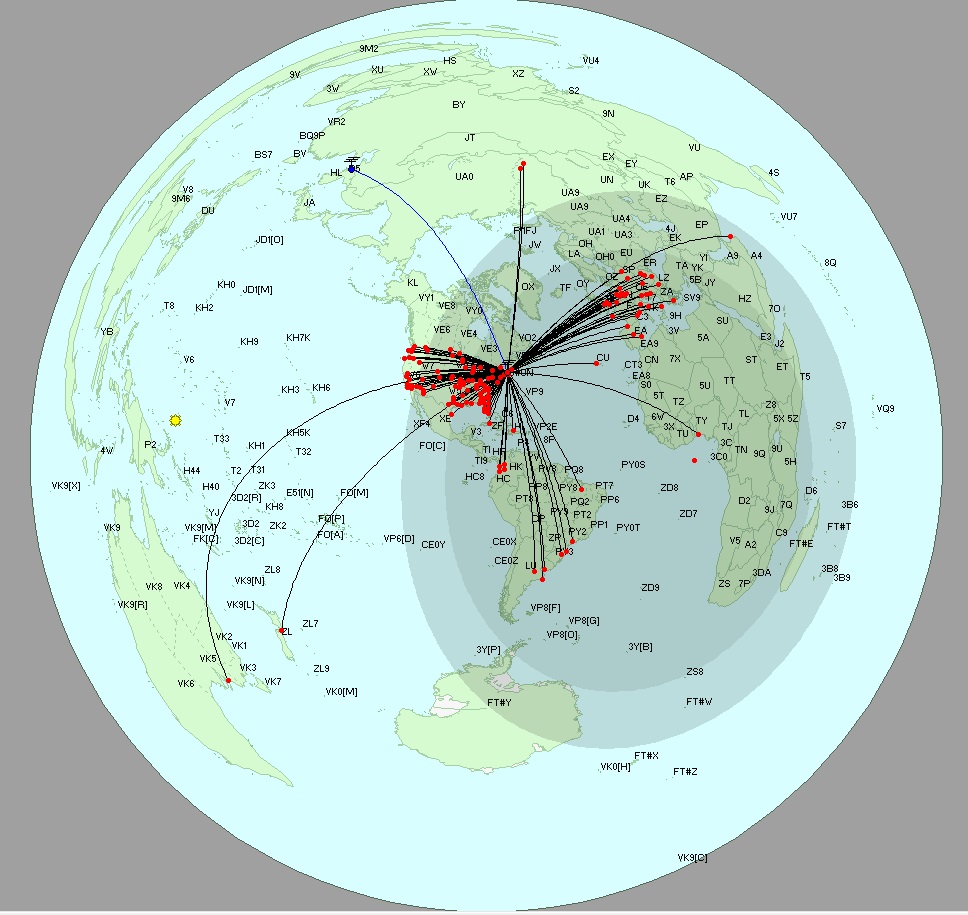
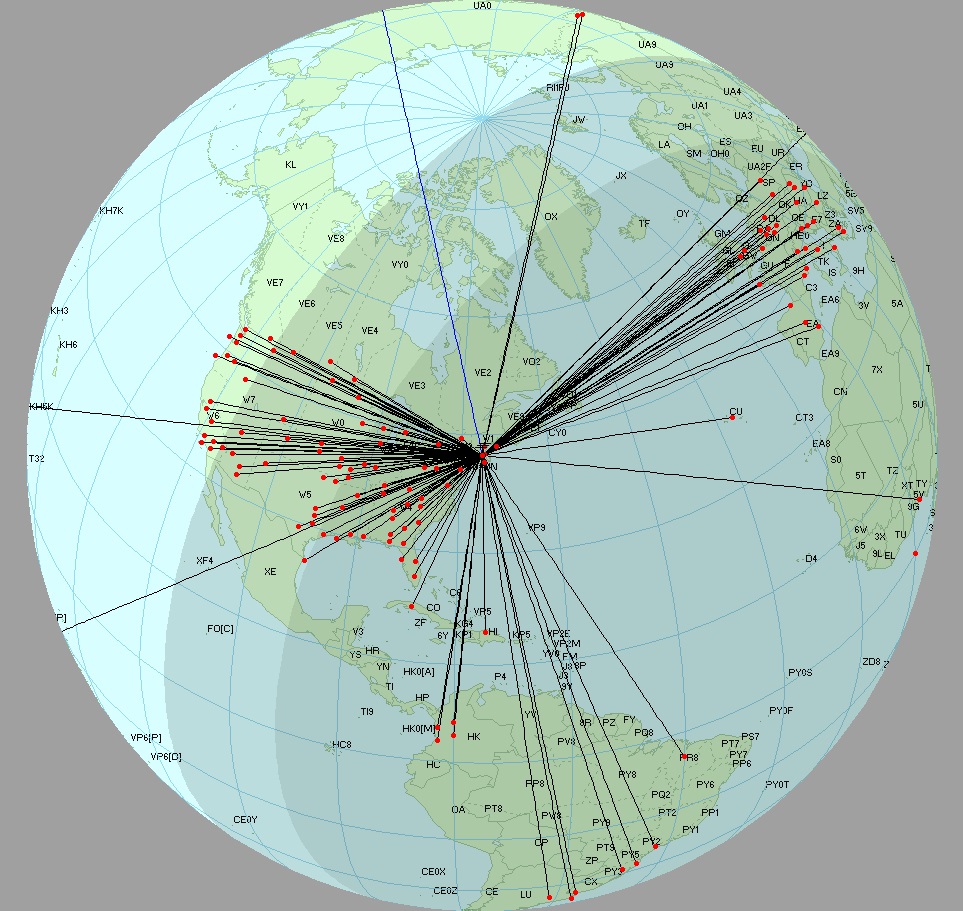
To plot Active DX stations and Spotting Stations,
On the Plot Settings tab of DXView's Configuration window, click the Selection panel's Spots button.
- To plot spotting stations and the short path between spotting stations and DX stations,
on the Plot Settings tab of DXView's Configuration window, check the Selection panel's QSOs button.
on the General tab of SpotCollector's Configuration window, check the General panel's Lookup missing location info box
Rectangular projection
Azimuthal projection
Globe projection
Antenna Rotation
If you depress the Ctrl key while clicking a plotted DX Station on the DX Atlas World Map, DXView will rotate your antenna to the short path heading; if you depress the Alt key, DXView will rotate your antenna to the long path heading.
These actions require the DX Atlas Panning Mode to be disabled; otherwise, clicking on the DX Atlas World Map will move the map.
Google Earth
If Google Earth is installed and enabled, QSOs plotted on the DX Atlas World Map will also be plotted on Google Earth.
Additional Topics
Using DX Atlas with DXView on Vista, Windows 7, Windows 8, Windows 10, or Windows 11
Post a question or suggestion on the DXLab Discussion Group
Plotting Worked and Confirmed Grid Squares on the DX Atlas World Map