DXView

Rate this program @ The DXZone  

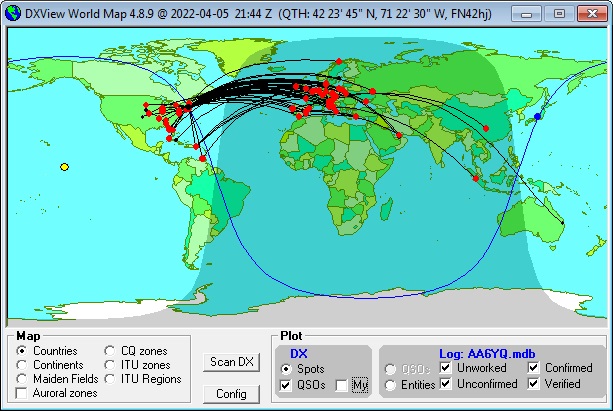
DXView presents a world map, upon which beam headings, stations you spot, the sun's position, and the solar terminator are continuously displayed.  A PC running Windows 95, 98, NT, 2000, XP, or Vista is required.  DXView is free, and contains no advertising. Commercial use is expressly forbidden.

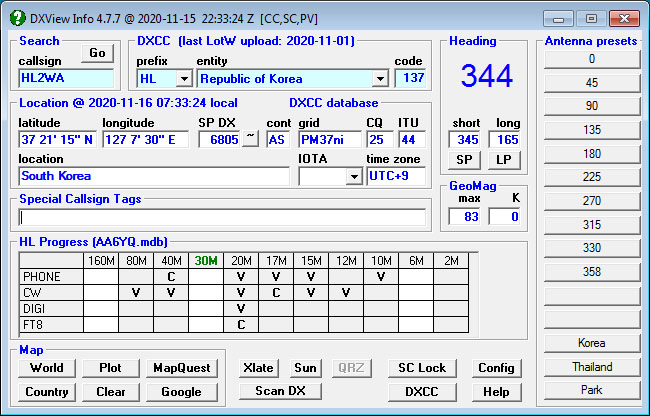
Given a amateur radio callsign, callsign fragment, or prefix, DXView displays

Commands and aligns the following rotator controllers, allowing you to select a short-path or long-path with one click: 

Supports two antennas aimed by the same rotator with different alignments

Comprehensive Online Help


Displays real-time data on a world map

Displays boundary overlays for

  • Continents

  • CQ zones

  • ITU zones

  • ITU regions

Double-clicking on the world map

  • sets DXView's current location to the closest spot

  • sets your transceiver to the appropriate frequency and mode (if Commander is running)

  • initializes a log entry (if DXKeeper is running)

  • prepares for one-click QSL-route queries (if Pathfinder  is running).

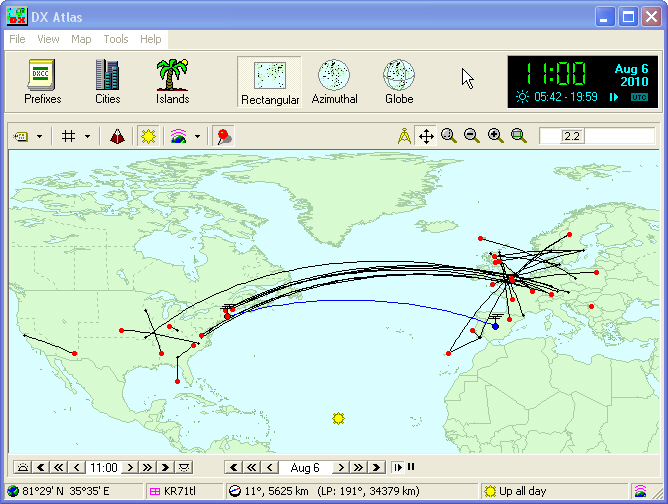
Optionally interoperates with DX Atlas, an electronic world atlas that

  • offers rectangular, azimuthal, and global projections

  • is resizable and zoom-able

  • displays auroral maps


Transatlantic 6m Sporadic E Opening


Displays country maps

  • more than 250 DXCC entities

  • accessible via a single mouse-click

Access to DXView

Information about DXView


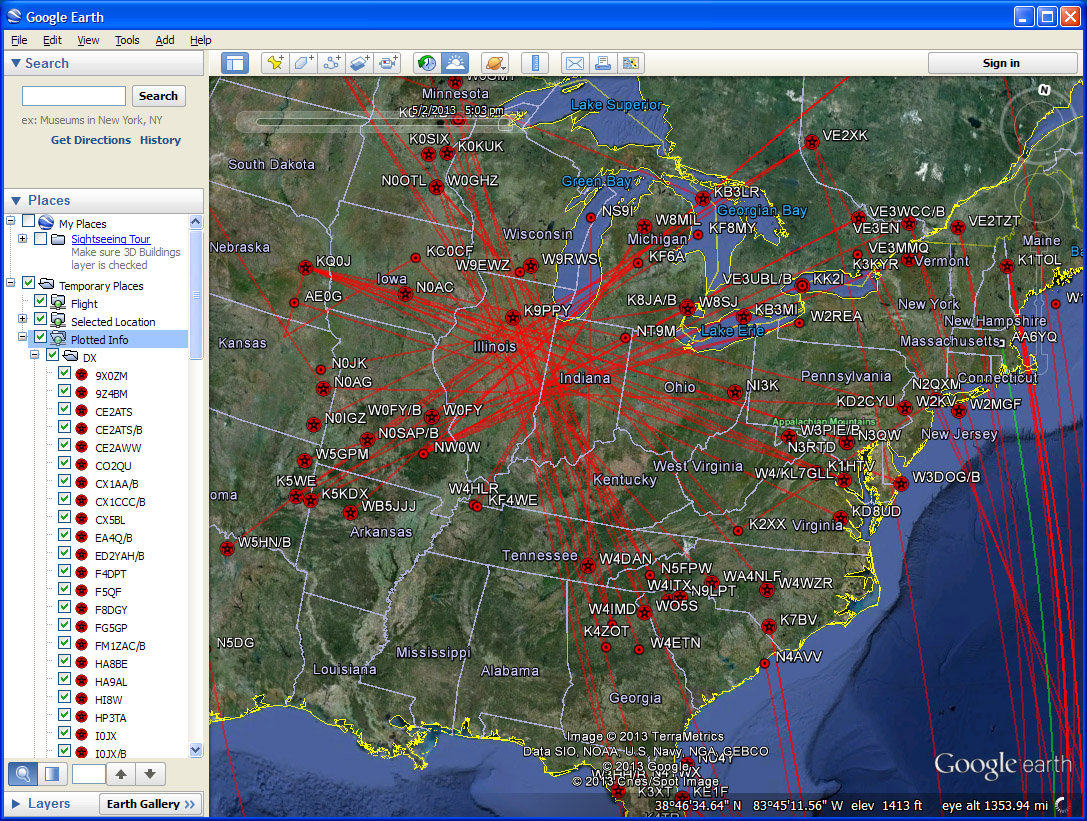
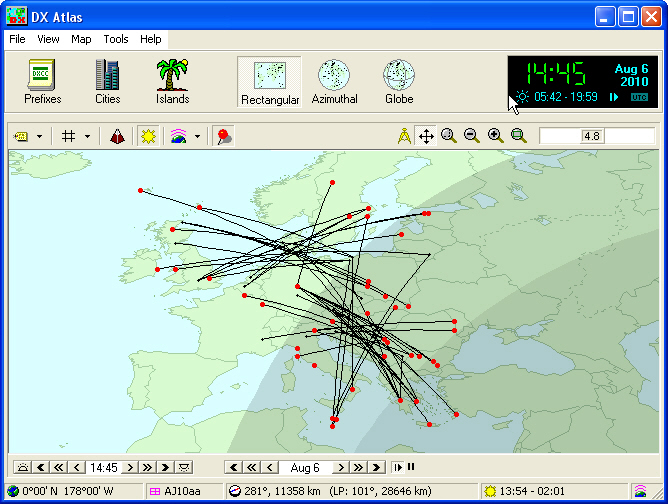
European 6m QSOs


Prefix-to-entity mapping archives


If you have questions or suggestions, please send them via email to the DXLab reflector.

Translations when an Vatican callsign is activated with the user's native language set to English:

Translations when an Vatican callsign is activated with the user's native language set to Japanese:

Translations when a Cameroon callsign is activated with the user's native language set to Norwegian:

Other members of the DXLab suite of free amateur radio software: